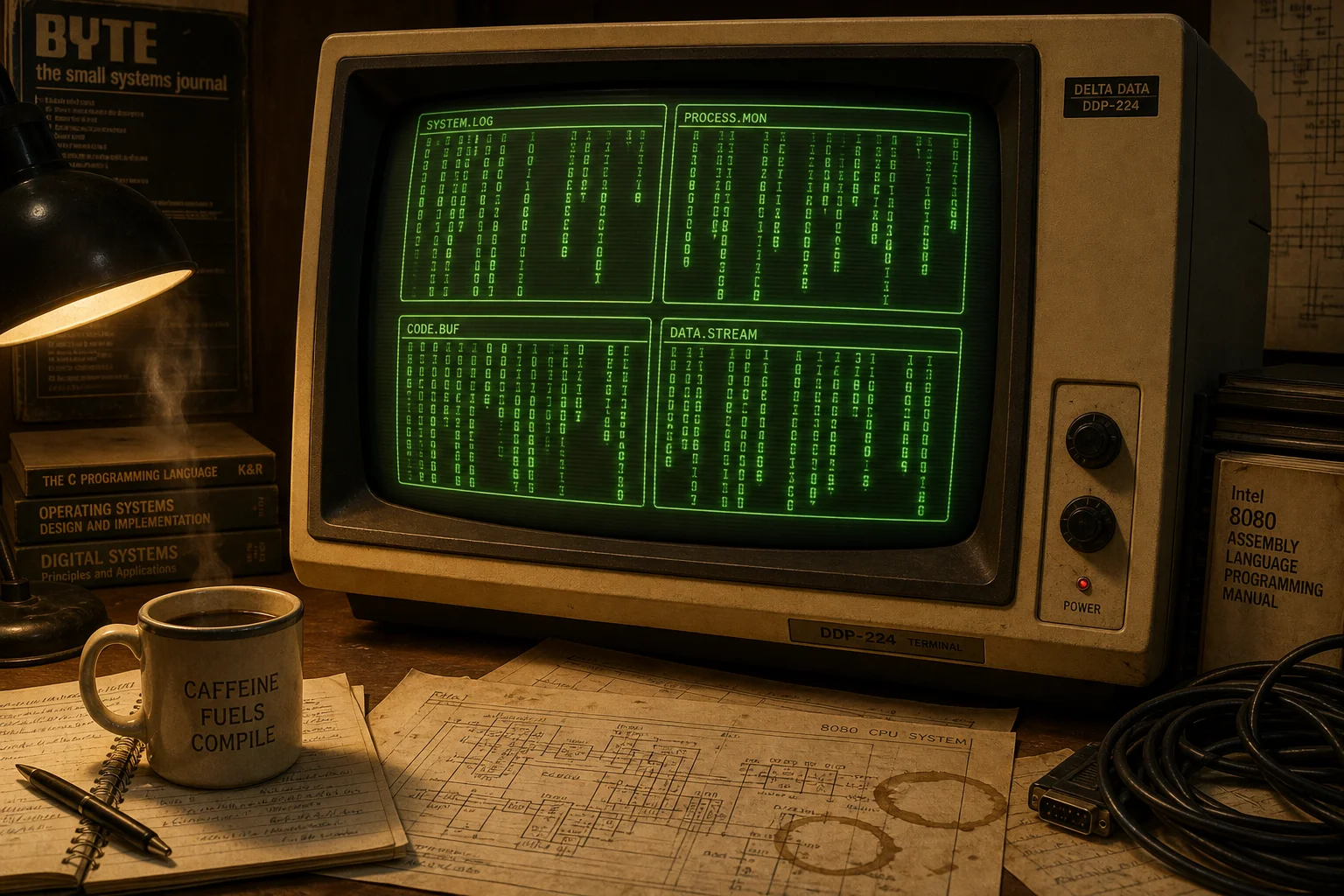
Old habits die hard: you open a terminal, start a long running task, your SSH (Secure Shell) connection drops and your task dies with it. Enter tmux, the terminal multiplexer. It sits between your terminal and your shell sessions, so the sessions live on the server (or your machine), not in the window you happen to be looking at. Close the laptop, reconnect from the coffee shop, run tmux attach and everything is exactly where you left it.
Multiplexing is the second trick: one terminal window hosts multiple sessions, each with multiple windows (think tabs), each split into panes. API server on the left, logs on the right, a shell at the bottom — all navigated by keyboard, no mouse gymnastics required. Everything hangs off a prefix key, Ctrl-b by default, which the seasoned crowd promptly remaps to Ctrl-a (a habit inherited from GNU screen, tmux's venerable predecessor).
The price of admission is a modest set of keyboard shortcuts and, optionally, a ~/.tmux.conf to bend it to your will. The payoff: sessions that survive disconnects, scripted development environments that launch your entire workspace with one command, and even pair programming by attaching two people to the same session. As usual YMMV.